01
Choose the exact place
- Open a place from our map or copy its Korean name and address into NAVER Map.
- Compare city, district and branch name before selecting the result.
- Set the destination to the venue itself, not just a nearby station. Check the address if translated names differ.
02
Read the whole public transport route
- Choose public transport and check the departure point. Correct it if your location is wrong.
- Open route details: walk to stop → line and direction → transfer → get off → final walk.
- Compare transfer count and walking distance as well as total time. Refresh the route near departure.
- For a late return, search at the expected return time and check that all connections operate.
- 1Walk to stop
- 2Board: line + direction
- 3Transfer
- 4Get off + walk to entrance
03
From the station to the entrance
Check the numbered exit, crossings and actual building entrance. A pin's centre is not always the public entrance.
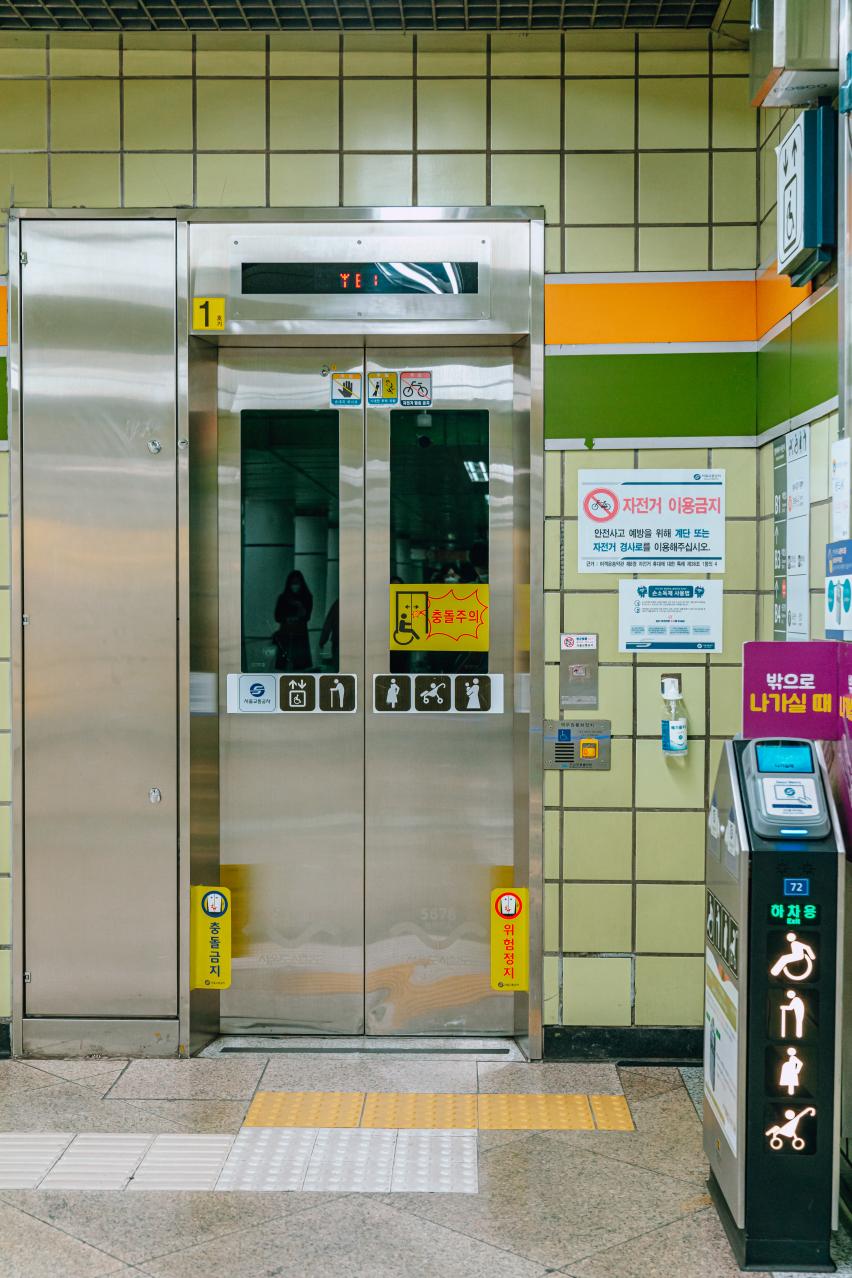
With a suitcase or mobility needs, check the lift's street-level connection before committing to the shortest walk. Use Facilities on our Map to locate listed facilities; check station signs too.
04
Keep a usable backup
- Keep the Korean name, address and an outline of the route offline.
- If you save places or routes inside NAVER Map, sign into NAVER first. Our own Save and Trip plan are separate.
- If a stop or walking segment differs from reality, follow local signs and use NAVER's route-details correction option to report it.
- If the blue location dot jumps, move to an identifiable landmark and set the departure point manually.
Sources and scope
Source review: 2026-10-16. Practical steps and itinerary combinations are editorial guidance. Check official notices for current opening hours, prices, availability and entry requirements.